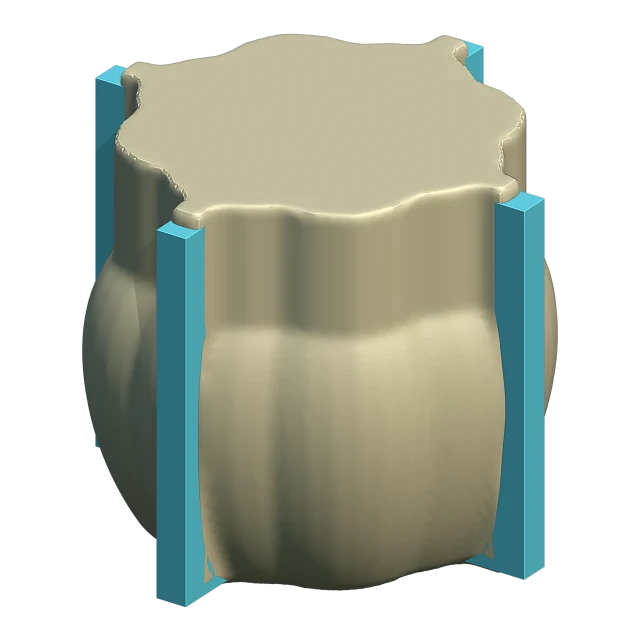
Adapted Box
LiteA mold box that follows the model's shape. Less silicone, clean casts. The first choice for most models.
Blender add-on · Blender 5.0 and later
Cage Mold builds the mold box around your model, with pour channels, locks and a base. You print the parts and pour the silicone.
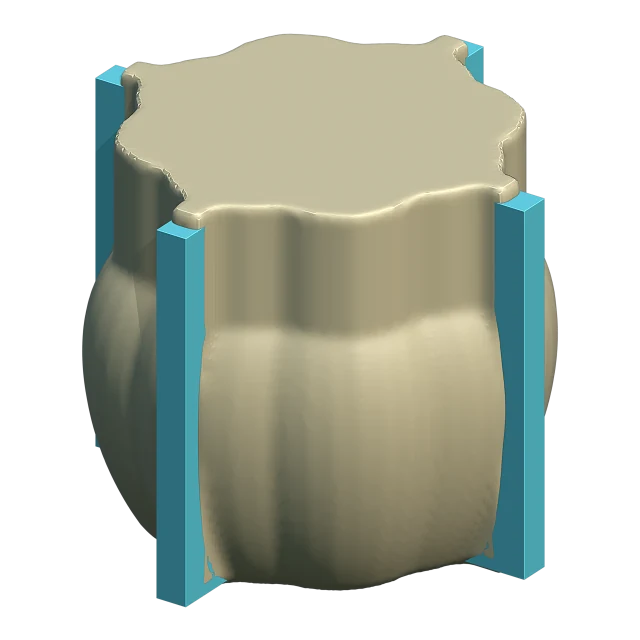
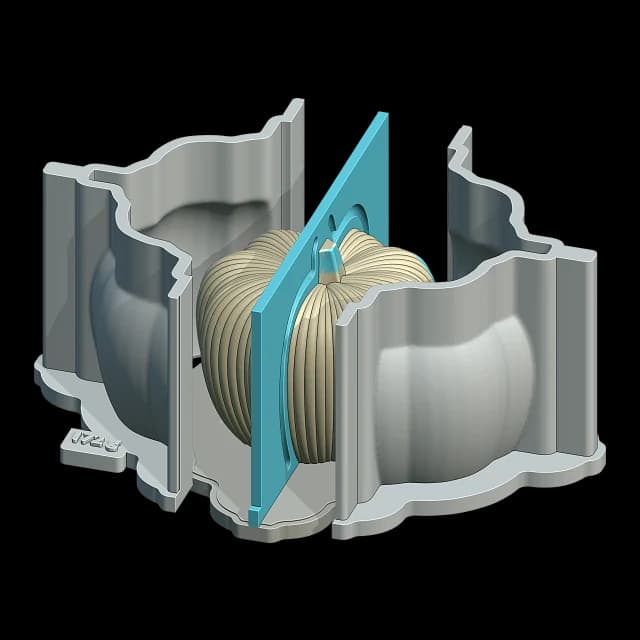
Open your STL or OBJ. Cage Mold centres it, stands it on the base and mends holes and cracks.
Pick a mold type and see the draft with Build Box. Set thickness, splits and channels; Confirm builds it in full detail.
Every part exports as its own STL. Print, assemble, pour.
Choose the mold type by your model's shape and how you cast. Each type comes with its own settings.
A mold box that follows the model's shape. Less silicone, clean casts. The first choice for most models.
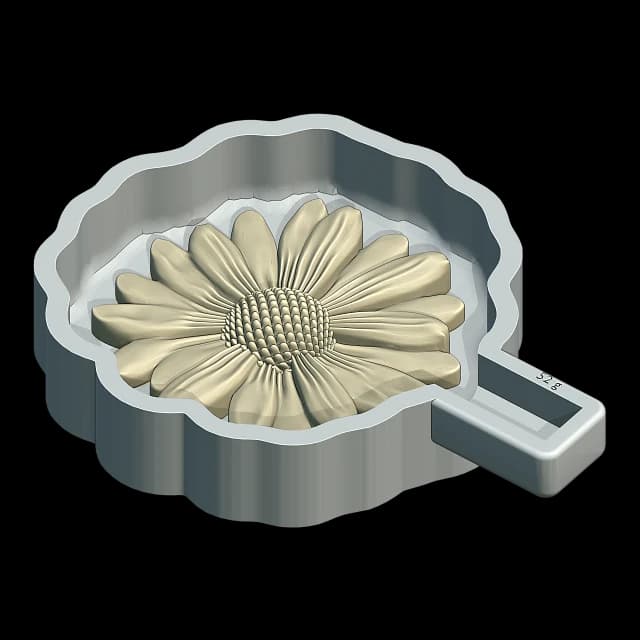
An open tray mold for flat-backed parts. Ready in one pour.
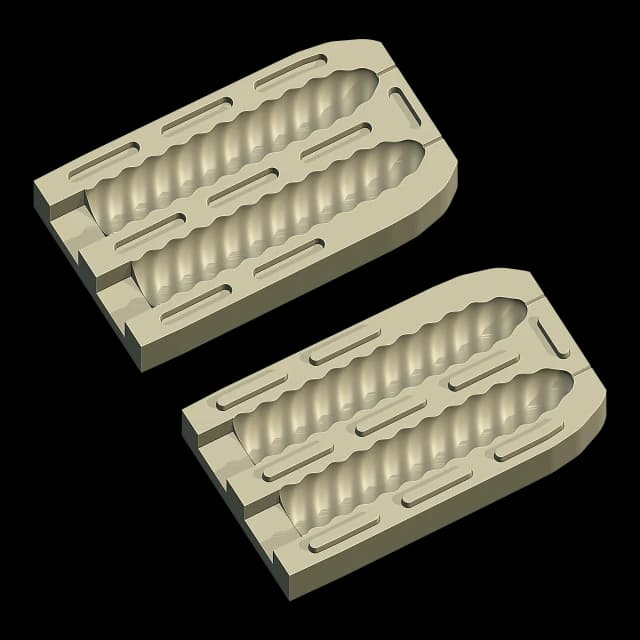
A two-part silicone mold for candles and the like: wick path, keys and a lid.
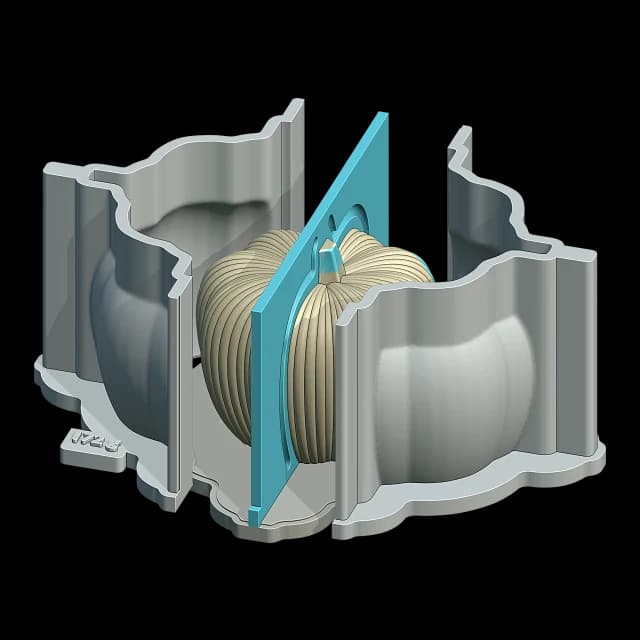
Several keyed silicone parts from a single pour, for shapes that need them.
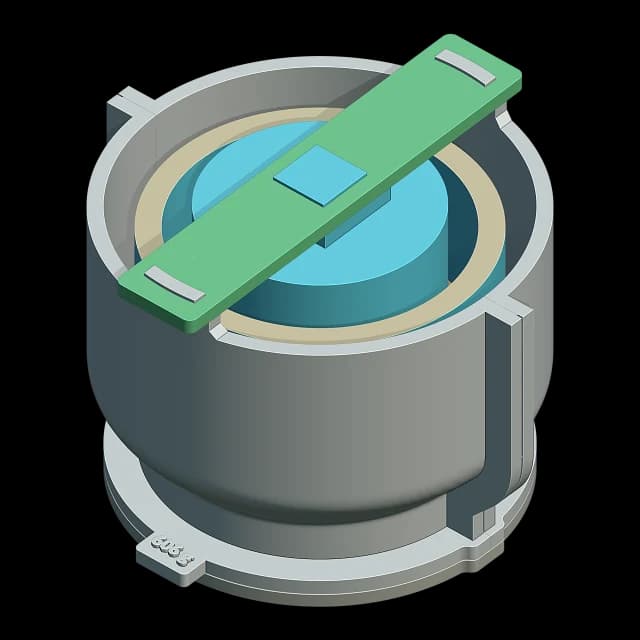
An inner core for planters and vessels. Hollow casts without modelling one by hand.
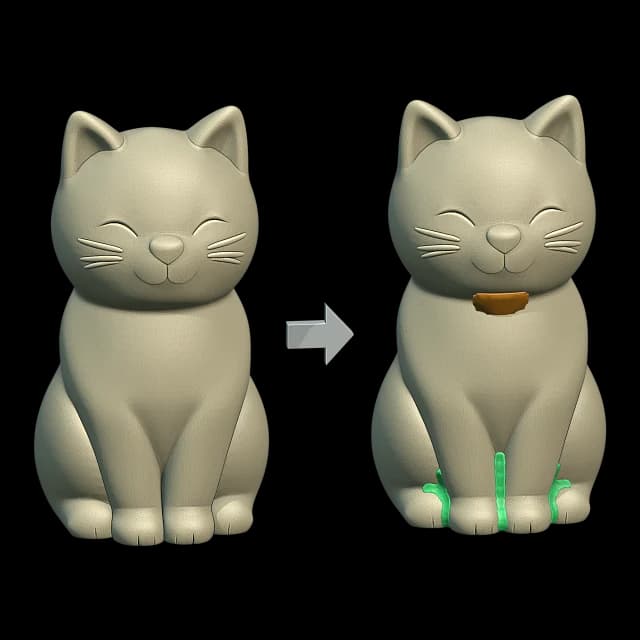
Closes the gaps under the model and cuts down air pockets.
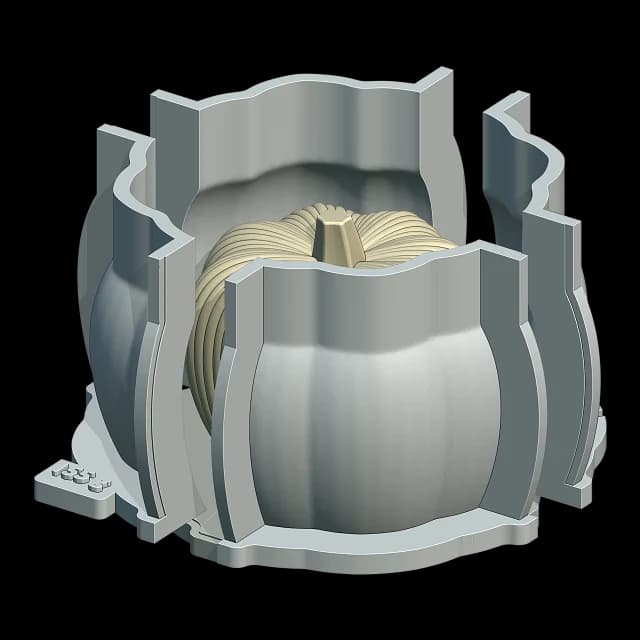
Split the box along any planes, turned as you like.
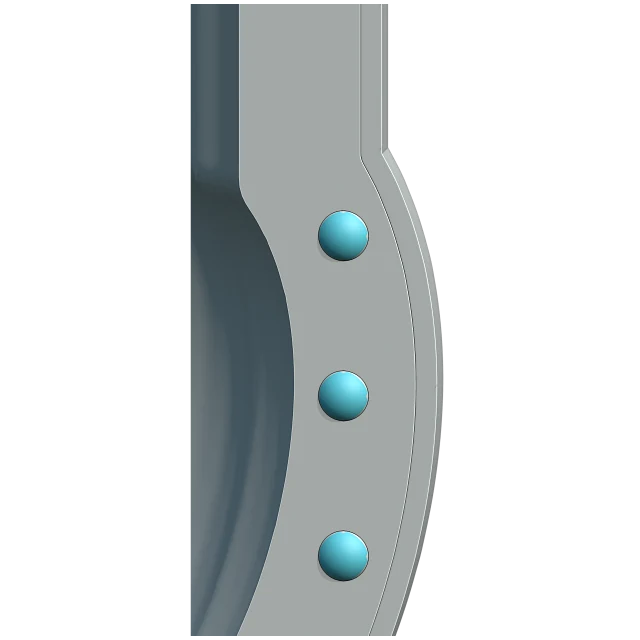
Clamps, pins and screw holes keep the parts in place.
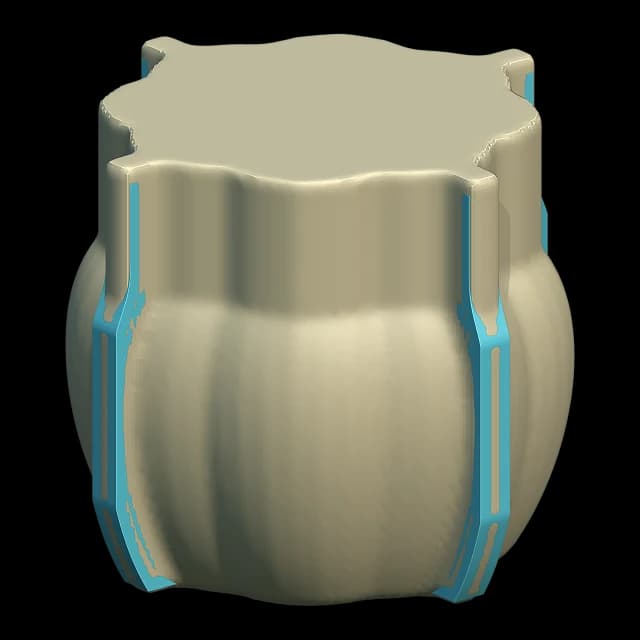
Pour path and air vents are built around the model.
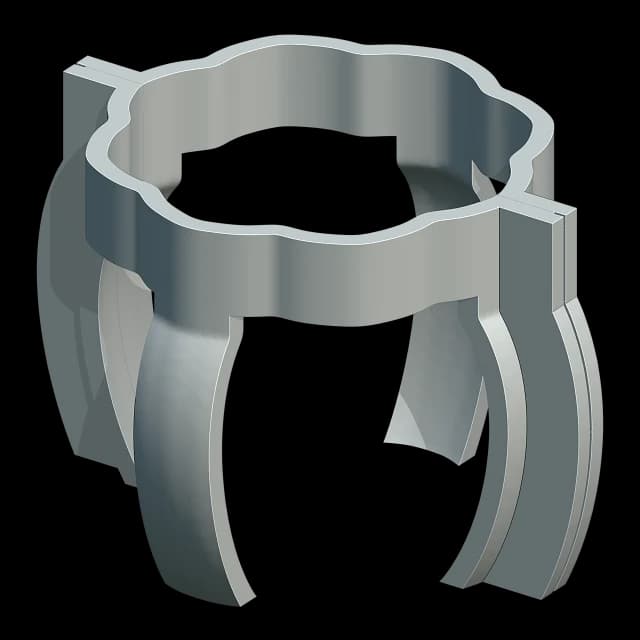
Pour without printing a full box every time.
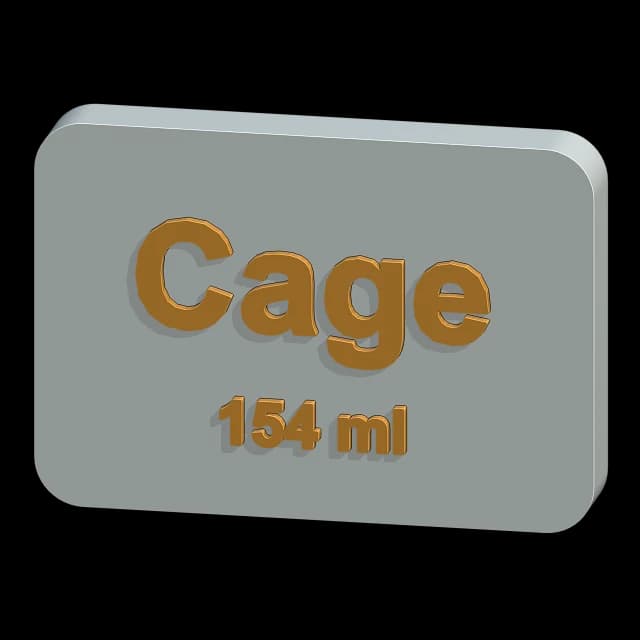
Engrave a logo, text or the casting volume into the mold.
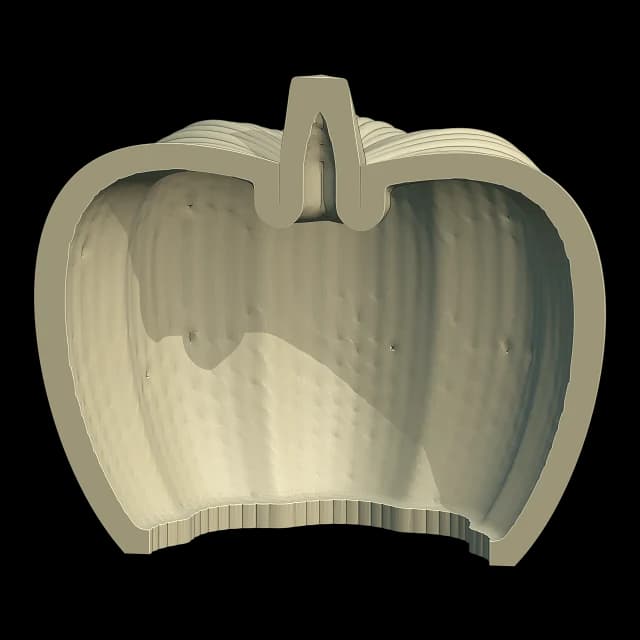
Hollow a model out or turn it into a planter.
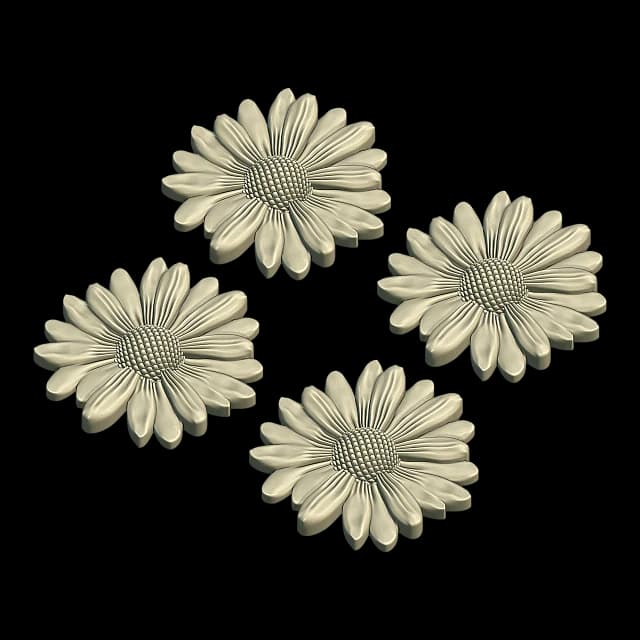
Many copies of one model in a single mold.
All the work happens on your computer. Your model is never sent to a server.
After signing in it works 30 days offline and renews itself when you connect.
Cage mode opens Blender with only the tools a mold needs.
A new version shows up in the panel; press Update.